
CHANGHORN CHANGHORN

What is an HMI Touch Screen and How Does It Work?

Time:2026-08-05 Author:Liam
0%

HMI touch screens have revolutionized various industries by enhancing user interaction. According to a report by MarketsandMarkets, the global HMI market is projected to reach $9.3 billion by 2024, growing at a CAGR of 8.4%. This growth indicates a significant demand for intuitive interfaces in manufacturing, automotive, and consumer electronics.

The effectiveness of an HMI touch screen lies in its ability to simplify complex processes. Users can control machinery with just a touch. This reduces training time and minimizes error. A staggering 70% of users report increased efficiency with HMI systems, as they streamline operations.

However, challenges remain. Not every application suits touch screen technology. Issues like environmental factors or mechanical wear can affect performance. Hence, selecting the right HMI touch screen is crucial. Industries must analyze their specific needs to avoid costly mistakes. Reflection on these factors can lead to better implementation strategies.
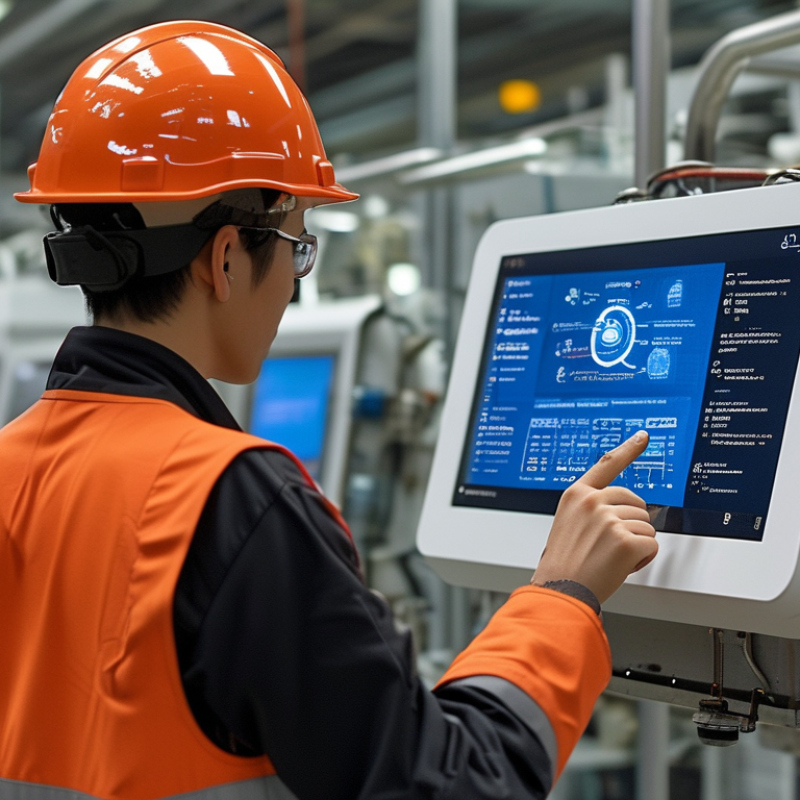
What is an HMI Touch Screen and How Does It Work?

What is an HMI Touch Screen?

An HMI touch screen is an essential interface in various industries. It stands for Human-Machine Interface. These screens allow users to interact with machines easily. They often display controls and information clearly. Users can touch icons or buttons to perform actions. This simplifies complex processes, making them more efficient.

The technology behind HMI touch screens is fascinating. They usually consist of a glass panel embedded with sensors. When a user touches the screen, the sensors detect the location of the touch. The system then interprets this information and executes the desired command. This interaction feels intuitive and responsive. However, not all HMI screens are created equal. Some may experience issues with sensitivity or durability. Users must consider these factors when selecting a screen for their needs.

Real-world applications of HMI touch screens are widespread. They are found in manufacturing, healthcare, and transportation. Each sector relies on accurate and reliable displays. Mistakes can lead to costly errors or unsafe conditions. Thus, understanding how HMI screens function is crucial. It empowers users to make informed decisions in complex environments.

Components of an HMI Touch Screen System

An HMI (Human-Machine Interface) touch screen system consists of multiple components that work in harmony to create a seamless user experience. The display is the most visible part. It provides the interface for users to interact with the machine’s controls and data. The touch technology can be capacitive or resistive, allowing for different levels of sensitivity and response.

Behind the display lies the controller. This component translates user input into signals that the machine understands. It is crucial for processing commands efficiently. In addition to the controller, the software plays a key role. It manages the graphical user interface and provides feedback to users. A well-designed software interface improves usability but can be complex to create.

Finally, connectivity ensures that the HMI communicates with other systems. This includes interfaces like USB, Ethernet, or serial communication functionalities. While these components work to enhance user interaction, challenges remain. For example, maintaining software security can be a constant source of concern. Users may also struggle with navigating complex interfaces. Overall, understanding these components helps in optimizing HMI effectiveness while acknowledging potential pitfalls.

How HMI Touch Screens Process User Input

HMI touch screens serve as the vital interface between users and machines. They capture user input through touch sensitivity. When you tap on the screen, sensors detect the pressure and location of your touch. The system then translates this input into commands for the machine to execute.

Processing user input involves several steps. First, the touch screen detects the touch event. This occurs via capacitive or resistive technology. Capacitive screens respond to the conductivity of your finger. Resistive screens require physical pressure. Once detected, the data is sent to the processor, which interprets it.

Tips: Clean the screen regularly to maintain sensitivity. Dirt can affect responsiveness. Also, consider the environment. Direct sunlight may hinder visibility. Taking notes on common touch patterns can enhance user experience. Track which functions are used most often; this insight can guide future design.

HMI Touch Screen User Interaction Analysis

This bar chart illustrates the frequency of different user interactions with HMI touch screens. The data, represented in thousands, shows that tapping is the most common interaction, followed by swiping, pinching, and long pressing, reflecting typical usage patterns in touch technology.

Applications of HMI Touch Screens in Industry

HMI touch screens have become integral in various industrial applications. In manufacturing, these interfaces allow operators to monitor processes in real time. For instance, according to a recent industrial report, about 70% of manufacturing firms utilize HMI technology for better operational efficiency. With a clear visual display, users can easily interact with machines and systems.

In the realm of automation, HMI touch screens streamline data collection and analysis. They provide instant feedback, which is crucial in high-stakes environments like chemical processing. Still, not all organizations fully leverage this technology. Some struggle with integration or employee training. Reports indicate that nearly 40% of users have unresolved issues that prevent optimal usage, highlighting a need for continuous education.

Healthcare is another sector where HMI touch screens thrive. They assist in patient monitoring and data entry, improving workflow efficiency. Yet, hospitals facing budget constraints may not upgrade their systems. Research shows that outdated technologies can lead to errors and increased operational costs. Addressing these gaps is essential for leveraging the full potential of HMI technologies in critical environments.

Benefits of Using HMI Touch Screens in Automation

HMI touch screens have become integral in automation. They simplify user interaction with complex machinery. One significant benefit is enhanced efficiency. According to a report from the International Society of Automation, companies using HMI technology have noted a 30% reduction in operational errors. This leads to more streamlined processes and reduced downtime.

Another advantage is improved data visualization. Operators can monitor key performance indicators with ease. Visual analytics help in quick decision-making. A 2022 survey indicated that 78% of companies reported better operational visibility after adopting HMI touch screens. This visibility allows for timely adjustments, ensuring optimal performance.

Tip: When integrating HMI touch screens, provide training sessions for operators. Familiarity with the interface can reduce adaptation time.

Tip: Incorporate user feedback into design improvements. This can reveal unforeseen challenges or inefficiencies. Such insights are essential for maximizing HMI benefits. Having an open channel for communication ensures the system meets real operational needs.

FAQS

: What is an HMI touch screen?

: An HMI touch screen is a user interface that allows interaction between humans and machines.

How do HMI touch screens process user input?

They detect touch through sensors that identify pressure and location, translating input into commands.

What types of technology are used in HMI touch screens?

HMI screens use capacitive technology for conductivity or resistive technology for physical pressure detection.

Why are HMI touch screens important in automation?

They simplify complex machine interactions and can reduce operational errors significantly.

What benefits do HMI touch screens provide for data visualization?

They enhance visibility for operators, aiding in quick decision-making and performance monitoring.

How can I improve the performance of an HMI touch screen?

Regularly clean the screen and track common touch patterns to enhance user experience and sensitivity.

Why is operator training important when using HMI touch screens?

Training helps reduce adaptation time and ensures users can effectively interact with the interface.

How can feedback improve HMI touch screen design?

User feedback can reveal challenges, guiding design adjustments and maximizing effectiveness.

What can affect the sensitivity of an HMI touch screen?

Dirt and environmental conditions, like direct sunlight, can impede responsiveness and visibility.

What should users consider when selecting an HMI touch screen?

Consider factors like sensitivity, durability, and real-world application needs to ensure optimal performance.

Conclusion

An HMI touch screen, or Human-Machine Interface touch screen, is an interactive display that allows users to communicate with machines and systems through touch-based inputs. Comprising several components, including display screens, processors, and sensors, these systems effectively process user commands to execute various functions in industrial applications. The technology enhances the user experience by providing intuitive navigation and clear visual feedback.

HMI touch screens are widely utilized across different industries, ranging from manufacturing to healthcare, due to their ability to streamline operations and improve efficiency. Their benefits include ease of use, reduced training time for operators, and the capacity to display complex data visually. Ultimately, HMI touch screens are pivotal in modern automation, enabling seamless interaction between humans and machines.

Liam

Liam

Liam is a dedicated marketing professional with a profound expertise in the industry, where he excels at highlighting the unique advantages of our core products. With a keen understanding of market trends and consumer needs, Liam frequently updates our company’s professional blog, providing......